Agent Fundamentals 1 (New Agent Desktop)
< Back

End User: Agent Fundamentals (New Agent Desktop)

The Agent Fundamentals course provides an introduction to the basic features and functionality of the new Agent Desktop.
  • Agent Fundamentals 1 (New Agent Desktop)

    01:32

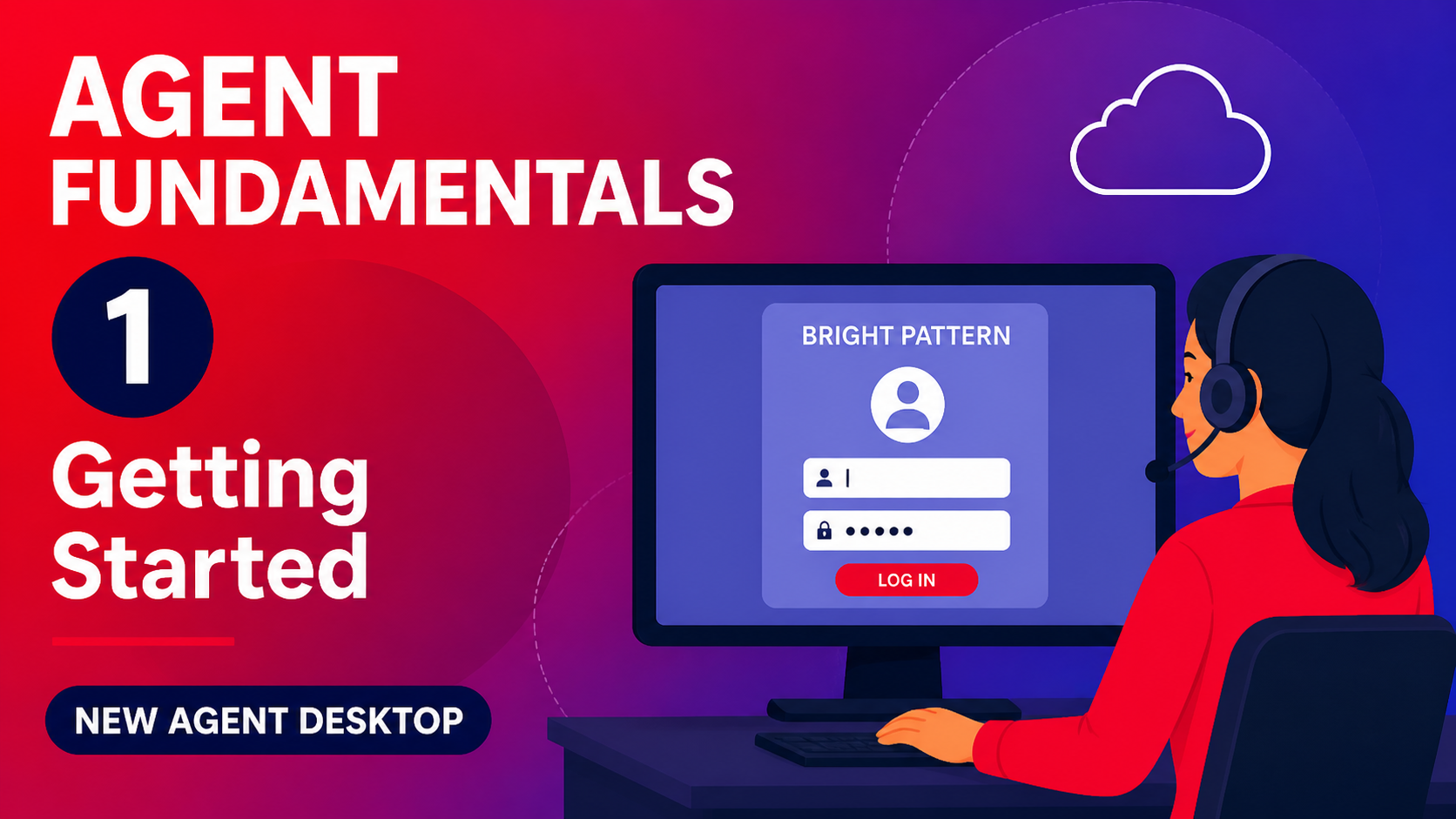
    This video provides an overview and instructions for getting started using the Bright Pattern system, including accessing documentation, logging in, and managing agent state.

    Agent Fundamentals 1 (New Agent Desktop)

    AI wand icon
    Transcript translations are generated by AI.
    Please excuse mistakes in translation.
    timeline icon timeline icon timeline icon timeline icon
    Timeline
    Use the AI button above to generate, or click below to upload your own captions.
    AI transcript unavailable. Click below to upload your own captions.
    Click below to upload your own captions.

    Captions and Chapters
    Select a language then choose an option below to upload captions, chapters or add them manually.

    Uploaded
  • Agent Fundamentals 2 (New Agent Desktop)

    02:30

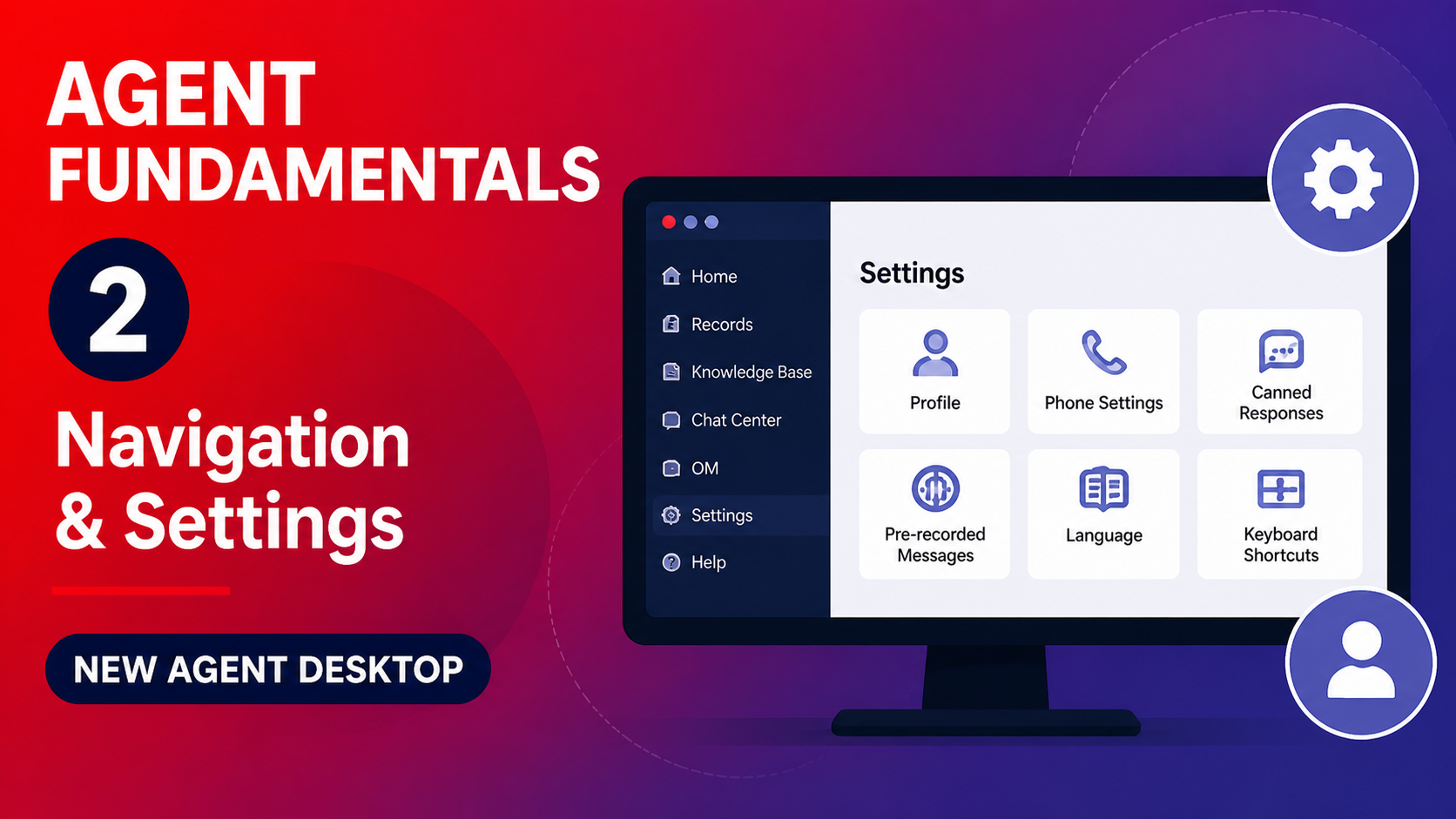
    This video provides a walkthrough of the options at the top of your screen in the Agent Desktop, including creating chat invitation links, accessing the Help tab, managing settings and keyboard shortcuts, and updating the Helper application.

    Agent Fundamentals 2 (New Agent Desktop)

    AI wand icon
    Transcript translations are generated by AI.
    Please excuse mistakes in translation.
    timeline icon timeline icon timeline icon timeline icon
    Timeline
    Use the AI button above to generate, or click below to upload your own captions.
    AI transcript unavailable. Click below to upload your own captions.
    Click below to upload your own captions.

    Captions and Chapters
    Select a language then choose an option below to upload captions, chapters or add them manually.

    Uploaded
  • Agent Fundamentals 3 (New Agent Desktop)

    01:23

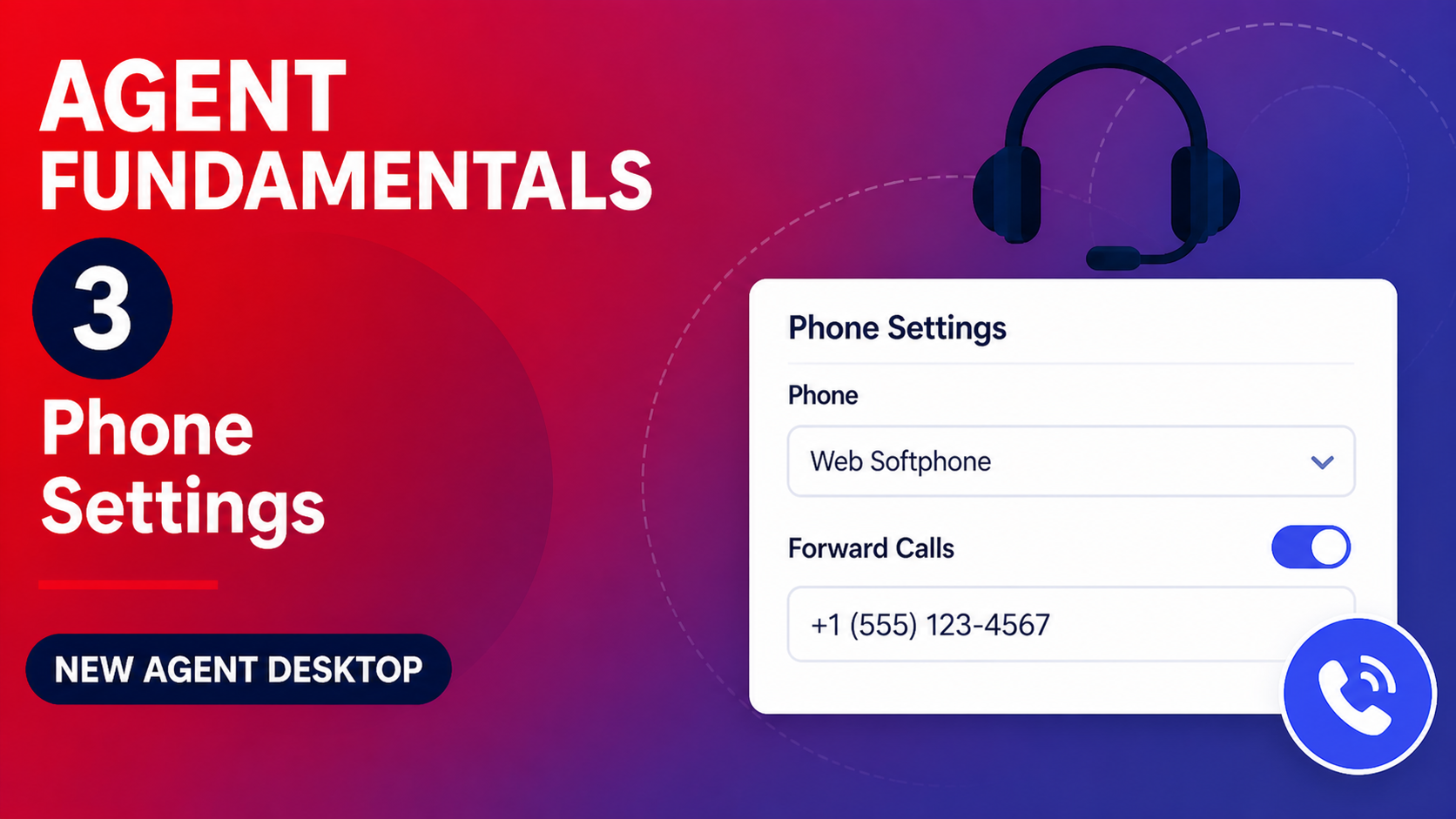
    This video explains how to navigate the main workspace and use the Records tab to search and filter results. It also provides an overview of the dashboards available in the main workspace.

    Agent Fundamentals 3 (New Agent Desktop)

    AI wand icon
    Transcript translations are generated by AI.
    Please excuse mistakes in translation.
    timeline icon timeline icon timeline icon timeline icon
    Timeline
    Use the AI button above to generate, or click below to upload your own captions.
    AI transcript unavailable. Click below to upload your own captions.
    Click below to upload your own captions.

    Captions and Chapters
    Select a language then choose an option below to upload captions, chapters or add them manually.

    Uploaded
  • Agent Fundamentals 4 (New Agent Desktop)

    04:10

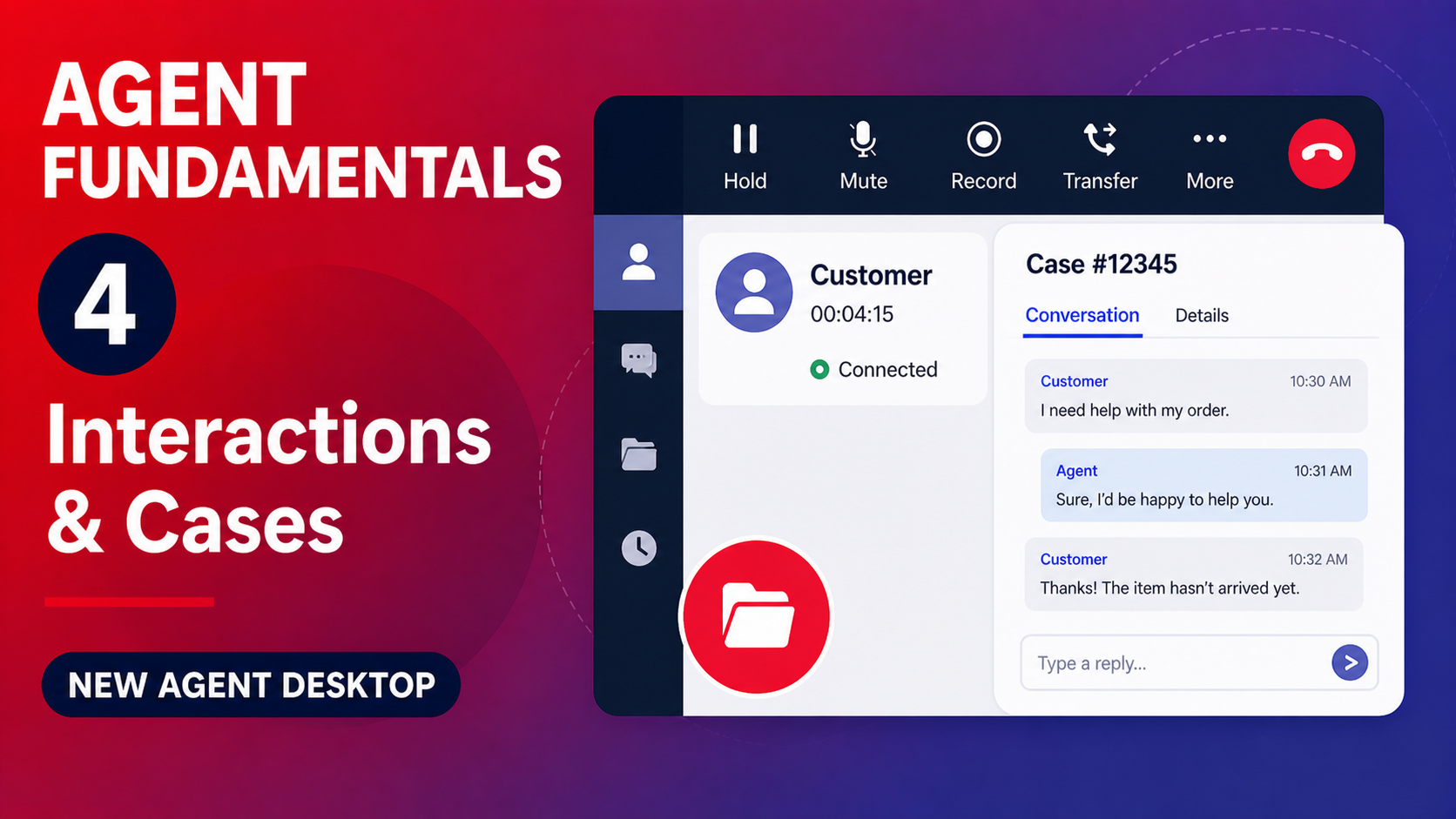
    The video walks through the process of handling interactions in a call center, including transferring calls, creating cases, scheduling follow-up calls, and accessing the knowledge base to assist with customer inquiries.

    Agent Fundamentals 4 (New Agent Desktop)

    AI wand icon
    Transcript translations are generated by AI.
    Please excuse mistakes in translation.
    timeline icon timeline icon timeline icon timeline icon
    Timeline
    Use the AI button above to generate, or click below to upload your own captions.
    AI transcript unavailable. Click below to upload your own captions.
    Click below to upload your own captions.

    Captions and Chapters
    Select a language then choose an option below to upload captions, chapters or add them manually.

    Uploaded
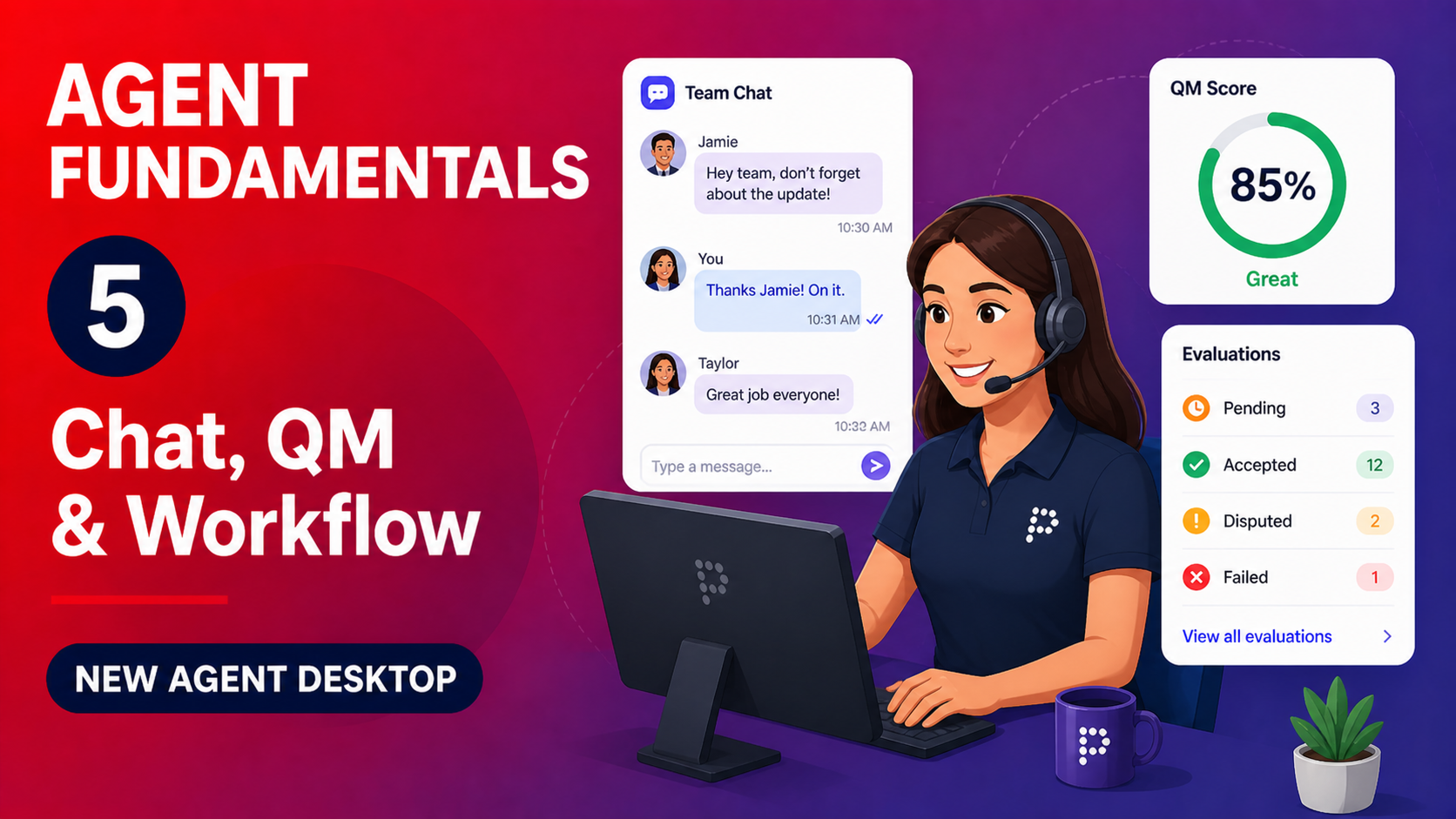
  • Agent Fundamentals 5 (New Agent Desktop)

    01:26

    Agent Fundamentals 5 (New Agent Desktop)

  • Agent Fundamentals 1 (New Agent Desktop)
  • Agent Fundamentals 2 (New Agent Desktop)
  • Agent Fundamentals 3 (New Agent Desktop)
  • Agent Fundamentals 4 (New Agent Desktop)
  • Agent Fundamentals 5 (New Agent Desktop)